Network Hardware
1. Network Interface & Connection Devices
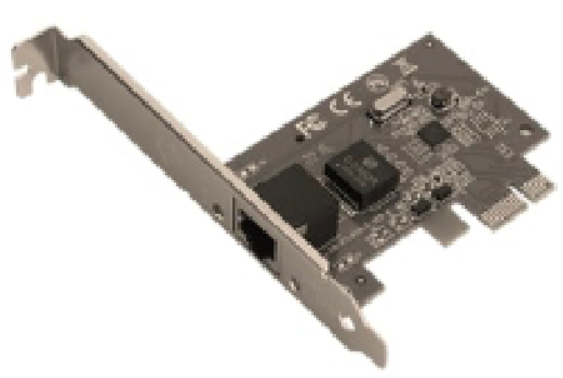
An internal hardware component that allows a computer to connect to a network. It contains the MAC Address, which is a unique physical identifier for the device.

Hub: Sends data packets to every device on the network. This is inefficient and causes security risks.
Switch: Smarter than a hub. It checks the destination MAC address and sends data only to the specific device intended, reducing network traffic.
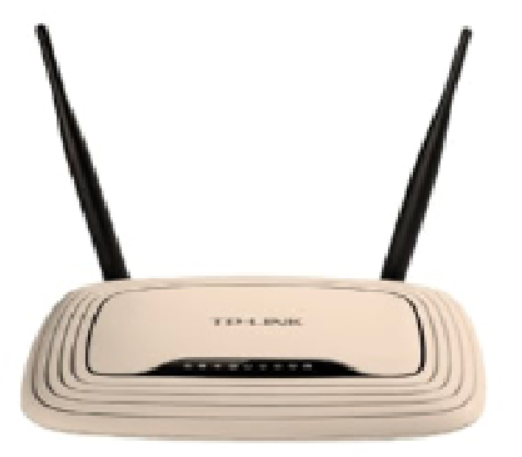
The "Traffic Controller." It connects different networks together (e.g., your home LAN to the Internet). It uses IP Addresses to route packets across the most efficient path.
Converts Digital signals from a computer into Analogue signals for transmission over telephone lines/cables, and vice versa.
Bridge: Connects two separate LANs that use the same protocol so they function as a single network.
WAP: Provides a wireless signal (Wi-Fi) so mobile devices can join a wired network.
2. Advanced Networking & Security
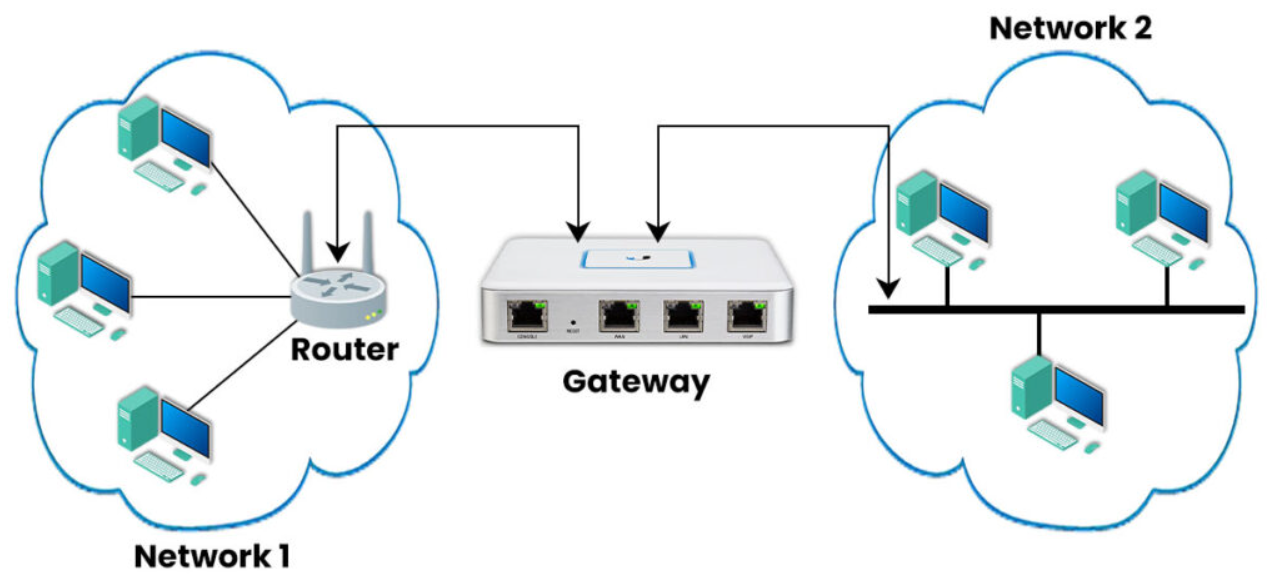
A "node" that connects two networks that use different protocols. It translates the data so it can be understood by the receiving network.
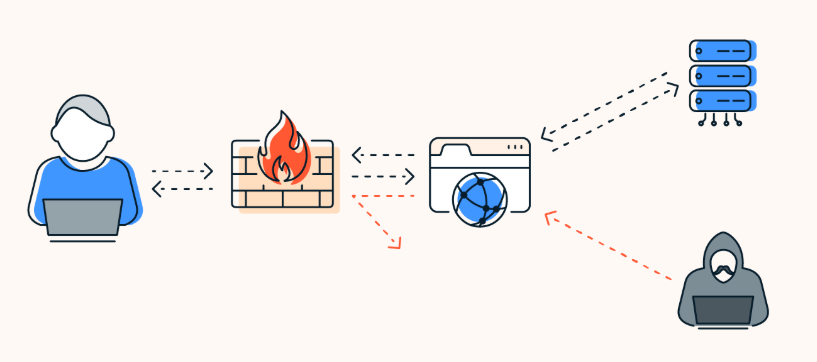
A security system (can be hardware or software) that monitors incoming and outgoing traffic. It blocks unauthorized access based on a set of security rules.
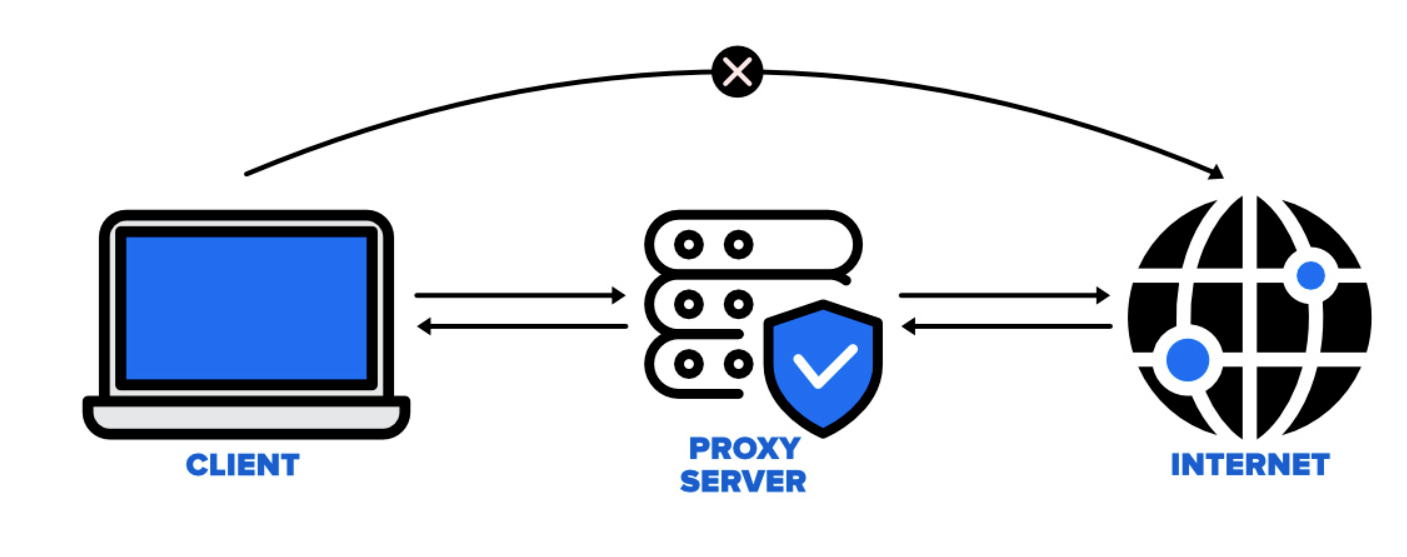
Acts as an intermediary between a user and the internet. It can cache frequently visited pages to speed up access and hide the user's real IP address for privacy/security.
3. Connection Media
Networking hardware is linked together using various media:
- Ethernet (Copper) Cable: Uses electrical pulses. Good for LANs but limited to 100m.
- Fiber Optic Cable: Uses pulses of light. High bandwidth and long distance (backbones).
- Radio Waves: Used by Wi-Fi and Bluetooth for wireless unguided transmission.